

Project Expenses
Project Expenses
Project expenses are used to record external purchases associated with a project. These are usually subcontracted freelancers providing services at a predetermined price or various resales. A few examples include:
- Renting a photo studio
- Purchasing stock photos
- External processing of part of the project by a subcontractor
- Travel expenses related to the project
How to Add Project Expenses to an Existing Project
You can add project expenses while creating a project—this is described in detail in the article Creating a Project.
Open an existing running project—navigate to Cost Estimate, and in the Project Expenses section, click on Edit Project Expenses:
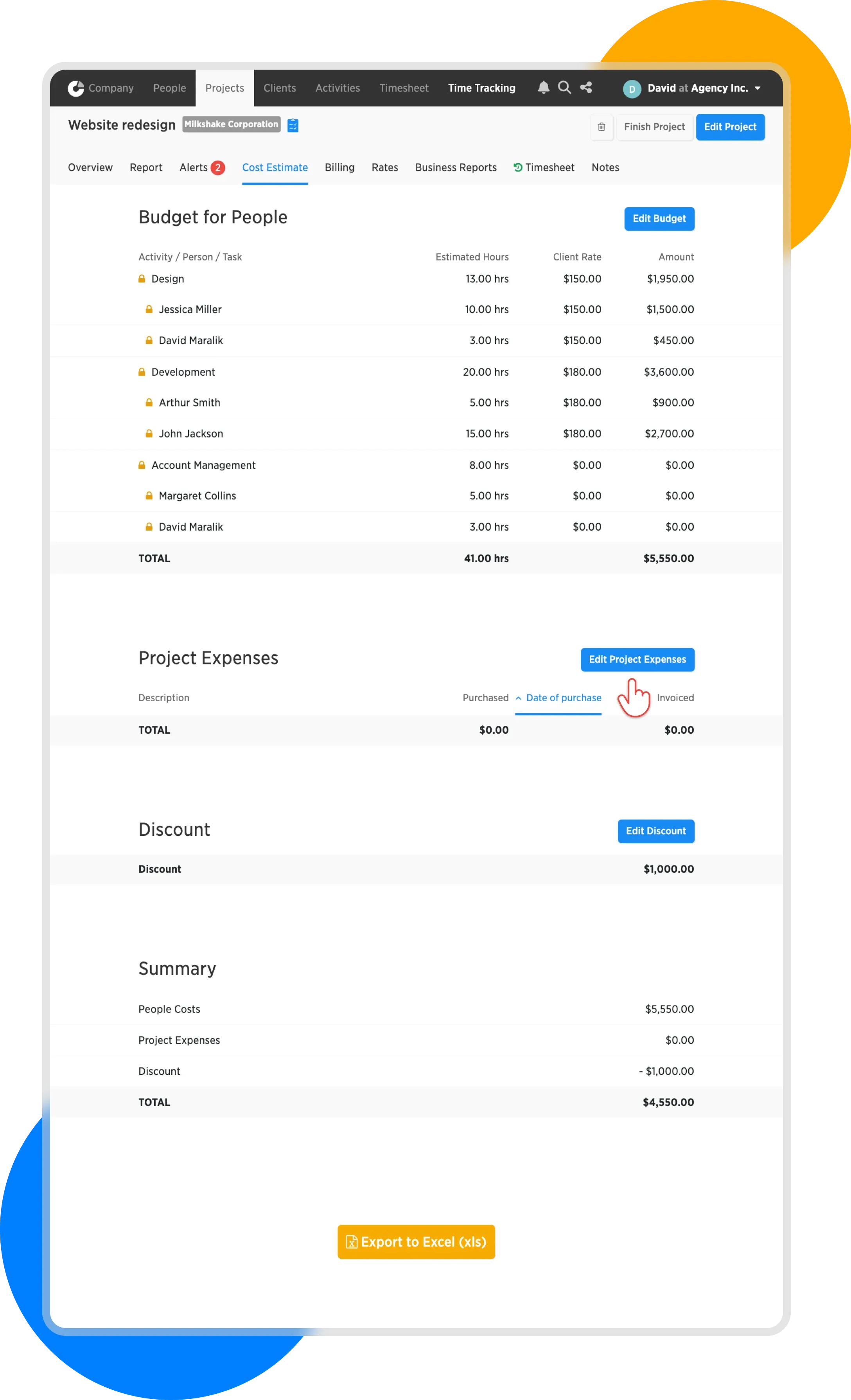
Edit project expenses
On the next page, you'll see a blank form for entering project expenses.
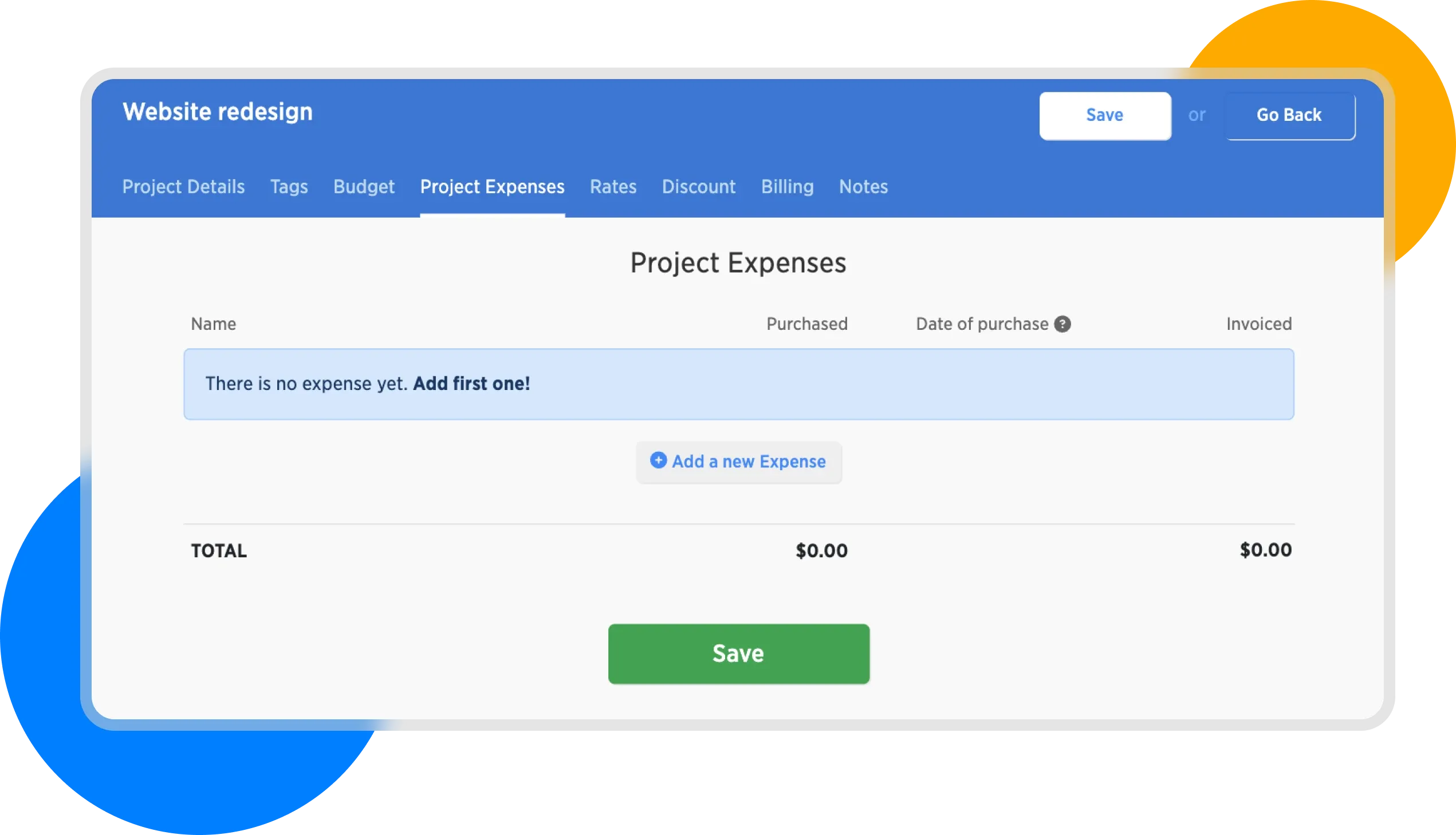
Project Expenses Form
For illustration, we'll record the following items:
| Name | Purchase Price | Selling Price |
|---|---|---|
| Copywriting | 800 | 1,200 |
| Travel Expenses | 200 | 0 |
After filling it out, our form will look like this:
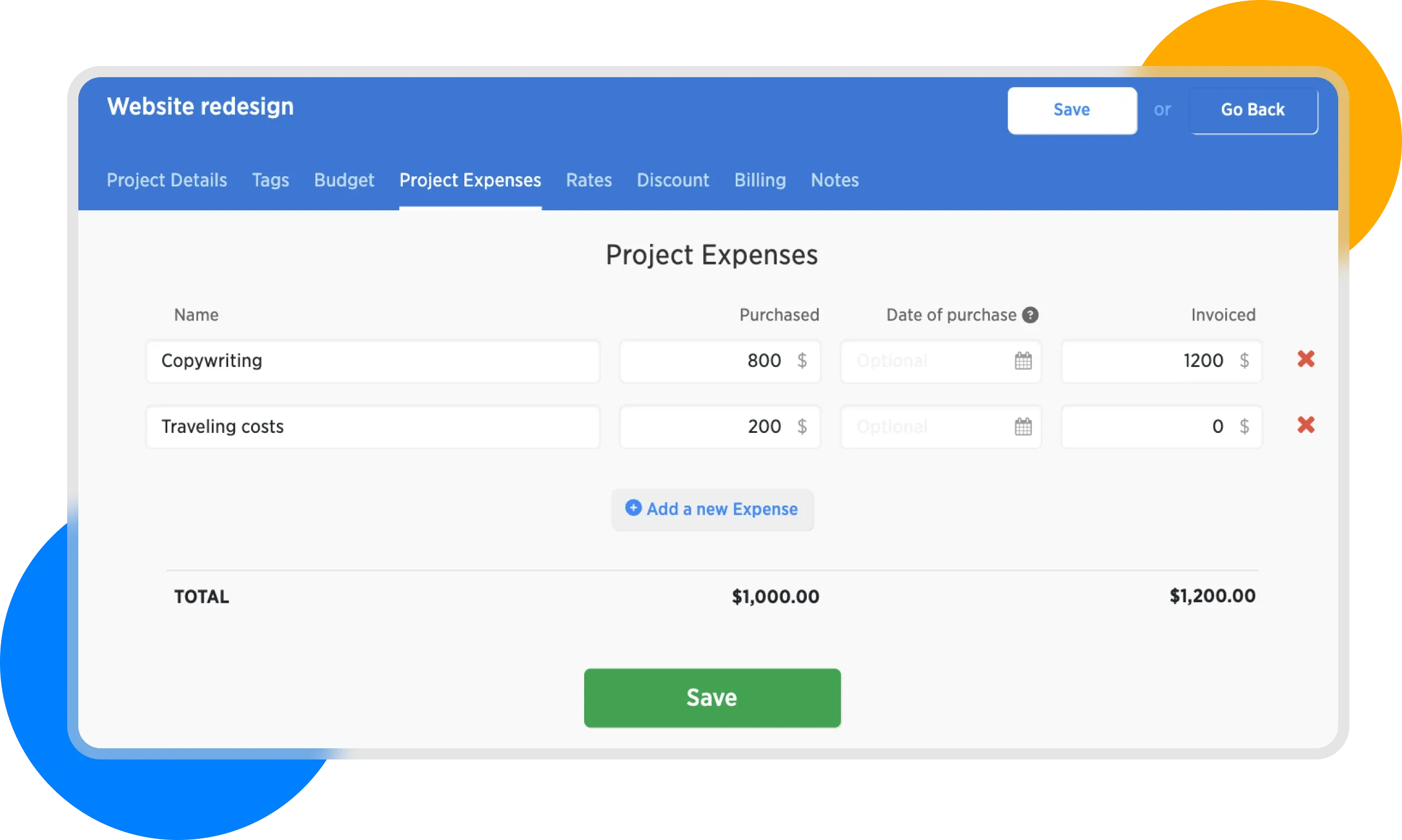
Completed project expenses form
Here we can see that the total cost of the project is $1,000 while our revenue will be $1,200.
Always record all costs associated with the project—even if you are not billing them to the client, as in our example with travel expenses. This will give you more precise insights into your clients' profitability.