

Quick Start In 5 Steps
2. Create Activities

Add all the activities that your company will spend time on. Activities mainly include work for clients (such as graphic design, programming, meetings, etc..) but also internal activities (such as meetings and preparing proposals).
Utilizing Activities
- Defining different types of activities will help us see the profitability of each one individually.
- Activities are also used for creating project budgets (optional), where each is assigned a different estimated time.
1. Create an Activity
In the top menu, select the Activities tab and then click on Add New Activity on the right.
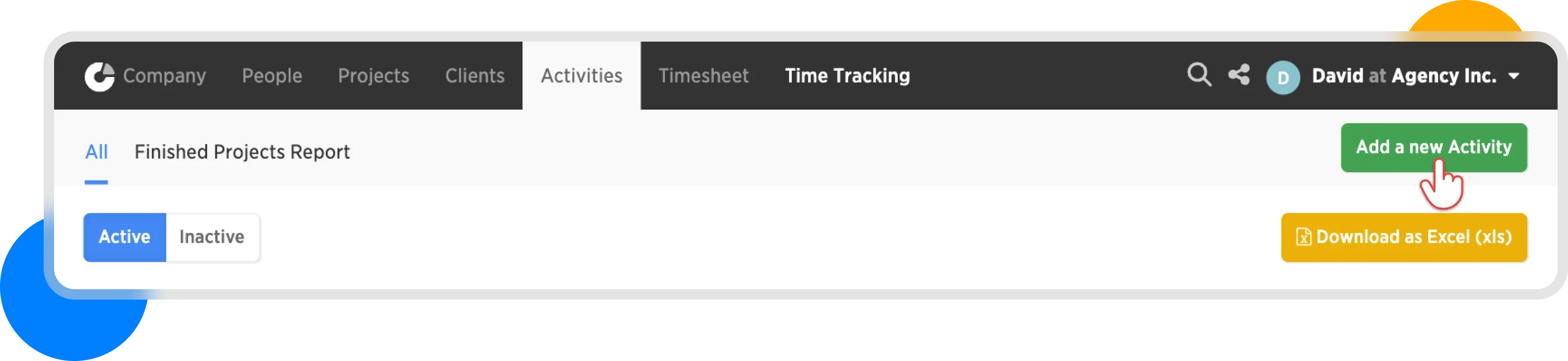
Add a new activity
2. Define your Activities
Think about the activities you perform for clients—both directly billable ones (e.g., design) and those that are internal costs (e.g., meetings). You can name them in two ways:
- By activity name: design, programming, meetings.
- By role name: junior developer, senior developer, account manager.
Add at least three activities, which we will use later when creating the first project.
TIP: If you have different rates for the same activities, it's recommended to use role names. This makes it easier to track the results for each role.
3. Create your Activities
Create all activities, then they appear for assignment in projects and time tracking.
In our example, we chose: design, development, and account management.
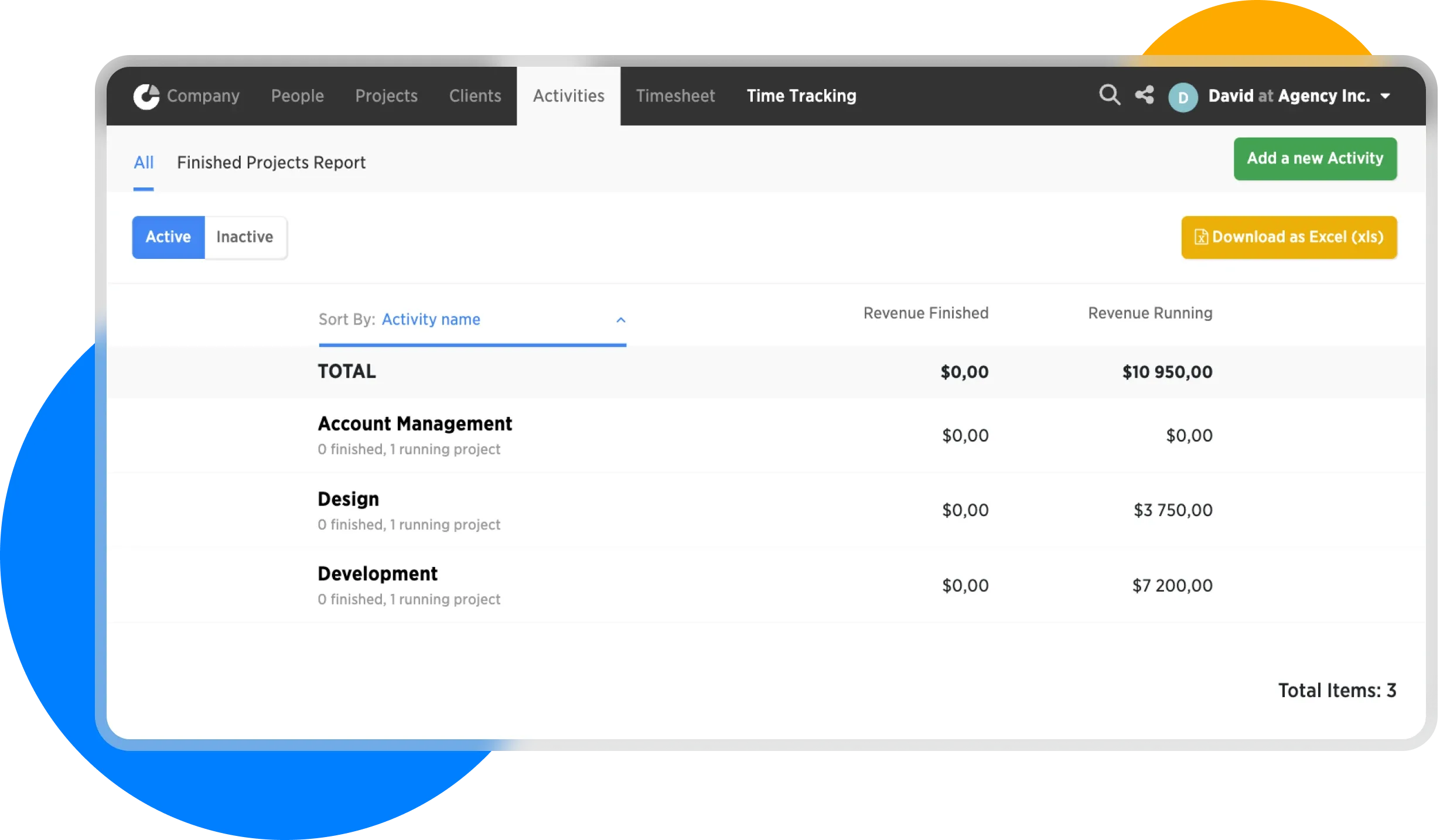
List of activities
For more information, see the articles Creating activities a Activating / Deactivating.
In the next step, we will look at creating clients...